You Don't Need ROCK Hardware to Use ROCK Cloud
Apr 01, 2026
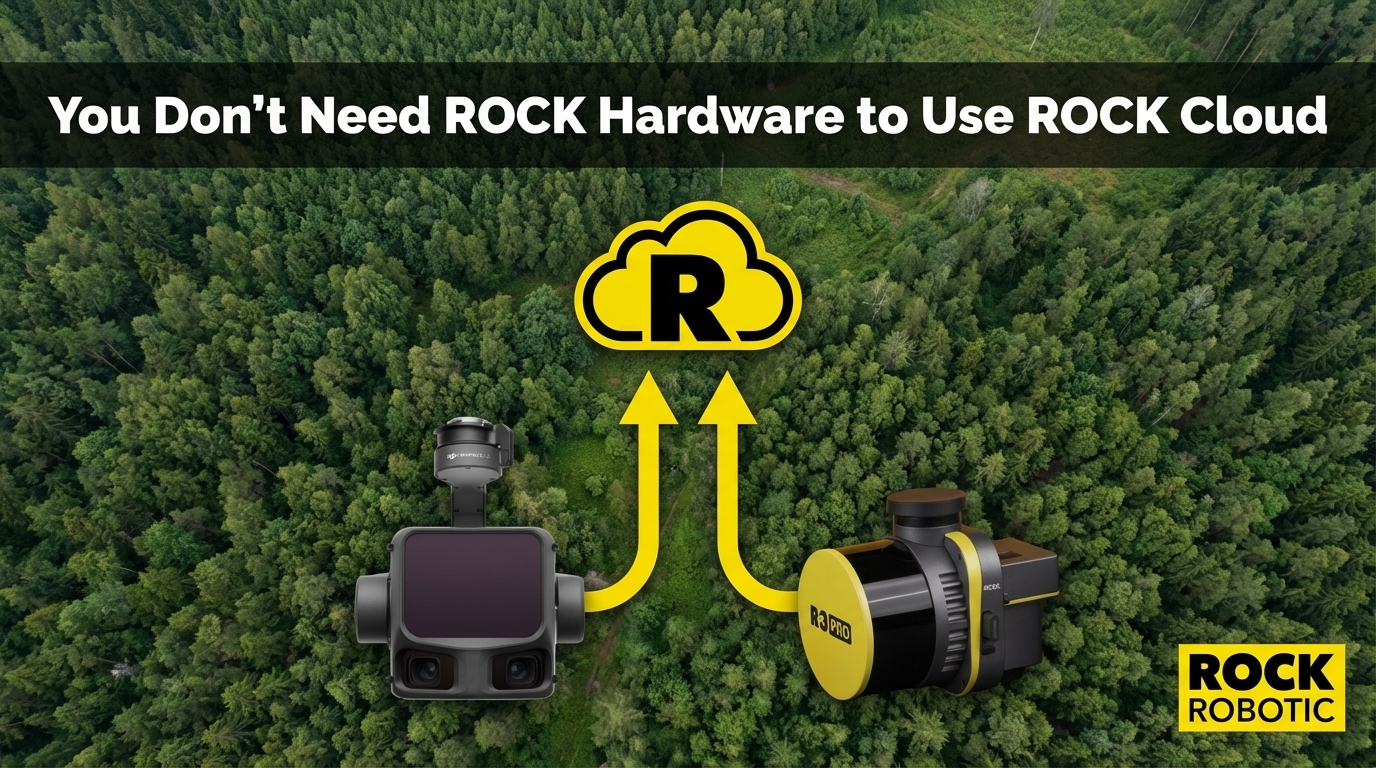
ROCK Cloud is positioned as the cloud platform for ROCK Robotic hardware users. And for ROCK Ultra and R3 Pro V2 operators, it is the natural home base for data management, client sharing, and Pro Services deliverables.
But there is a part of ROCK Cloud's value that often gets overlooked: it works with LiDAR data from any sensor.
If you are flying a DJI Zenmuse L3, processing in Terra, and then emailing your client a 4 GB LAZ file — or worse, making them install LP360 to open your deliverable — there is a better way.
What ROCK Cloud Does That Other Platforms Don't
Most LiDAR workflows end with the same problem: getting data to the client. You have a beautiful, accurate point cloud or deliverable package. Your client needs to see it, measure it, review it, and sign off on it. How do you get there without a complicated software install?
ROCK Cloud's answer is a browser-based 3D viewer — accessible via a simple link, on any device, with no software to install.
| Capability | ROCK Cloud | DJI Terra | LP360 | TerraSolid | Email/FTP |
|---|---|---|---|---|---|
| Browser-based 3D viewer | ✅ | ❌ Desktop only | Limited | ❌ Desktop only | ❌ |
| Client sharing via link | ✅ No install needed | ❌ | Limited | ❌ | Files only |
| Measurement tools in browser | ✅ Distance, area, elevation | ❌ | Limited | ❌ | ❌ |
| Custom branding on shared projects | ✅ Your logo | ❌ | ❌ | ❌ | ❌ |
| GCP alignment in cloud | ✅ | ❌ | ❌ | ❌ | ❌ |
| Stockpile volumetrics | ✅ | ✅ (Terra) | ✅ | ✅ | ❌ |
| Access to Pro Services deliverables | ✅ | ❌ | ❌ | ❌ | ❌ |
| Accepts any sensor data | ✅ Any LAS/LAZ | DJI only | TrueView optimized | Any | Any |
The Workflow for Non-ROCK Hardware Users
If you are flying a DJI L3, GeoCue TrueView, YellowScan Surveyor Ultra, or Phoenix RECON XT — your sensor-to-point-cloud workflow stays exactly the same. You process your raw data in whatever software you use: DJI Terra, LP360, LiDAR360, CloudStation, or LiDARMill.
Once you have a finished LAS/LAZ point cloud, that is where ROCK Cloud takes over:
1. Upload your finished LAS/LAZ to ROCK Cloud. No reformatting required. Standard LAS 1.2/1.3/1.4 and compressed LAZ format. The platform handles datasets from a few million points up to billions.
2. Your data renders in the ROCK Cloud browser viewer. Full 3D point cloud, navigable in any browser. You can toggle classification visibility, apply elevation colorization, measure distances and areas, extract cross-sections, and export profile views.
3. Share with your client via a branded link. Your client clicks the link — on their phone, tablet, or desktop — and sees your firm's logo, your project name, and the 3D point cloud in a fully interactive viewer. They can take their own measurements, zoom to specific areas, and annotate concerns. No software install. No training. No 4 GB email attachment.
4. Order ROCK Pro Services deliverables if needed. Even if you processed your data in LP360 or Terra, you can order ROCK Surveyor (topo + contours), ROCK Planimetrics (full feature extraction), or ROCK PLS-CADD from your uploaded point cloud. The Pro Services team works from your data regardless of what sensor collected it.
The Client Experience Problem
Survey firms often underestimate how much their data delivery process affects the client relationship.
Emailing a LAZ file assumes your client has GIS or LiDAR software. Most don't. Sharing via Dropbox or SharePoint gives them a file they can't open. Delivering a PDF map is better, but it's static — your client can't explore the data, ask "what's the elevation at this point," or visually verify specific areas.
ROCK Cloud changes that. A project link shared from ROCK Cloud gives a civil engineer, a real estate developer, or a municipal planning department a fully interactive 3D dataset they can explore immediately — in a browser they already have.
The feedback loop tightens. Client reviews take hours instead of days. Revision requests are specific and visual. And when your project link shows your firm's branding, you look like a sophisticated technology provider rather than a company emailing ZIP files.
The ROCK Cloud Subscription Is Not Hardware-Dependent
ROCK Cloud pricing: $3,500/year.
That subscription does not require ROCK hardware. It is priced as a cloud platform subscription — for data hosting, sharing, collaboration, and access to Pro Services. Whether your point cloud came from an Ultra, an L3, or a TrueView, the platform cost is the same.
For a firm flying a competitor sensor and doing 10-20 projects per year, the value calculation is:
- Eliminated client delivery friction: $3,500/year replaces the labor and confusion of managing file transfers, client software questions, and static PDF deliverables
- Access to Pro Services: Per-project pricing for CAD deliverables, available on your existing data without purchasing ROCK hardware
- Custom branding: Every shared project carries your firm's identity
A Transition Path, Not an All-or-Nothing Decision
Some firms start with ROCK Cloud before they're ready to switch hardware. They fly their existing DJI or GeoCue sensor, process in their existing workflow, and use ROCK Cloud to upgrade the client experience and access Pro Services deliverables.
When the time comes to evaluate hardware, they already know the ROCK ecosystem. The Pro Services team already knows their workflow. The transition to ROCK hardware, if they make it, is an upgrade to the collection layer — not a rip-and-replace of their entire workflow.
You don't have to buy ROCK hardware to start experiencing what ROCK Cloud + Pro Services can do for your business.