The 40-Hour Problem: Why AI Classification Is Only Half the Battle
Apr 01, 2026

Every LiDAR software company — LP360, DJI Terra, LiDAR360, TerraSolid, Global Mapper — markets their AI ground classification. And the marketing is not wrong: these algorithms are genuinely impressive. They are fast, they handle most terrain types reasonably well, and they continue to improve.
Here is what the marketing leaves out: AI gets you approximately 70-80% of the way to a finished deliverable. The remaining 20-30% is where the actual hours live — and for a 50-acre commercial site, that can mean 30-50 hours of skilled manual labor.
If you have spent time processing LiDAR data professionally, you already know this. This article is for the firm owners, principals, and project managers who are evaluating whether to bring LiDAR processing in-house — and who may not yet have lived through the full workflow.
The Step-by-Step Reality
Let's walk through what actually happens after you click "classify ground" on a typical 50-acre commercial site. Mixed terrain: some open turf, a parking lot, a few buildings, road edges, scattered trees, and a detention pond.
Step 1: Run the automatic classification (5-15 minutes)
You configure the algorithm parameters — ground search radius, max angle, max distance — and run it. The software spins. You watch the progress bar. You feel productive.
The output looks great in the default view. A clean ground surface, vegetation floating above it, buildings removed. You think: this is fast.
Then you zoom in.
Step 2: Discover the problems (30 minutes of review, hours of work ahead)
This is the moment every experienced LiDAR processor recognizes. You start panning through the classified point cloud and you start finding:
Low vegetation misclassified as ground. Tall grass, low shrubs, ground cover — the algorithm couldn't confidently separate them from actual ground at that density. They're sitting in the ground class now, creating false terrain bumps in your DTM. Every one of these areas needs to be manually reclassified.
Bridge decks classified as ground. The algorithm saw a flat, continuous surface. It called it ground. Your client's engineer is going to see an impossible terrain spike where the highway overpass is.
Retaining walls half-classified. The wall face is vegetation-class on the uphill side, ground-class on the downhill side. Neither is right. The top and bottom of the wall need breaklines. The classification needs manual correction on both sides.
Dense brush areas with no ground at all. In areas where the canopy was thick enough to block most returns, the algorithm couldn't find the ground. These areas are blank spots in your DTM — or worse, they're filled with interpolated noise.
Vehicles and equipment still sitting in the ground class. A truck parked in the lot. A dumpster behind the building. The algorithm identified them as ground because they're large, flat, and not moving. They need to be reclassified and removed from your surface model.
Building edges bleeding into ground. The footprint perimeter has a ring of misclassified points — points that are structurally part of the building foundation but algorithmically close enough to grade that the classifier called them ground. Your building footprints will be inaccurate if you don't clean this up.
Manual classification time: 4-10 hours for a 50-acre mixed-use site. More for sites with complex structures, dense vegetation, or waterfront features.
Step 3: Generate the DTM and discover the contour problems
With the ground classification cleaned up, you generate your DTM and then your contours. You zoom into the contours in CAD.
They're jagged. They have artifacts at the edges of the corrected areas. In the former brush zones, the interpolation from sparse returns has created irregular terrain shapes that don't match reality. Along the building edges, the contours make illogical right-angle turns.
You have two choices: smooth everything with a global filter (which introduces inaccuracy everywhere) or draft breaklines.
Breakline drafting is the right answer, but it is almost entirely manual work. You pull up a cross-section view, trace the top and bottom of each curb. You switch to profile view and trace the drainage channel centerline and both banks. You mark the ridge of the parking lot island. You draft the edge of the pond.
For a site with even moderate terrain complexity — and most commercial sites have moderate terrain complexity — this takes 4-10 hours. For a complex site with retaining walls, multiple grade transitions, and significant drainage infrastructure, it can take longer.
Step 4: Planimetric extraction (the big one)
If your deliverable includes planimetrics — and most civil engineering and ALTA projects do — you are now entering the most time-intensive part of the workflow.
Planimetric extraction means digitizing every significant feature on the site in CAD: building footprints, curb lines, edge of pavement, parking stall striping, fences, walls, utility poles, fire hydrants, manholes, tree drip lines, signage, and anything else your client's feature list includes.
There is no software that does this reliably at survey-grade accuracy. The AI tools in LP360, LiDAR360, and Terra identify features with partial success — a building footprint here, an obvious curb line there — but every feature requires human review, and most require manual digitization or correction.
For a 50-acre commercial site with a standard feature list: 15-40 hours.
Dense urban sites with complex streetscapes, ADA features, and heavy signage can go higher. Simple open sites with few features can be done faster — but "simple" commercial sites are rare.
Step 5: QA/QC (and the things you miss)
Before you deliver, you QA/QC everything: connectivity (curb lines that don't connect, building footprints that aren't closed), layer assignments (wrong feature on the wrong layer), missed features (the fire hydrant behind the dumpster), and classification errors that made it through to the final surface.
For a 50-acre site: 2-6 hours. More if issues are found and need to be corrected.
The Honest Total
For a 50-acre commercial site, a skilled LiDAR technician — someone who knows what they're doing, not someone learning on the job — will spend:
| Task | Hours |
|---|---|
| Classification cleanup | 4-10 |
| Breakline drafting | 4-10 |
| Planimetric extraction | 15-40 |
| QA/QC | 2-6 |
| Total | 25-66 hours |
At $40-80/hour for a skilled technician or CAD drafter, that is $1,000-$5,280 in labor — per 50-acre project.
Over a year of 10 similar projects, that is $10,000-$52,800 in technician labor alone, not counting the software license, the workstation, training time, or the risk of your technician leaving.
The ROCK Pro Services Alternative
ROCK Pro Services is built around exactly this problem. The platform combines ROCK's AI — trained on over 50,000 survey projects — with US-based CAD professionals and licensed surveyors who handle the work that AI can't reliably automate.
The workflow:
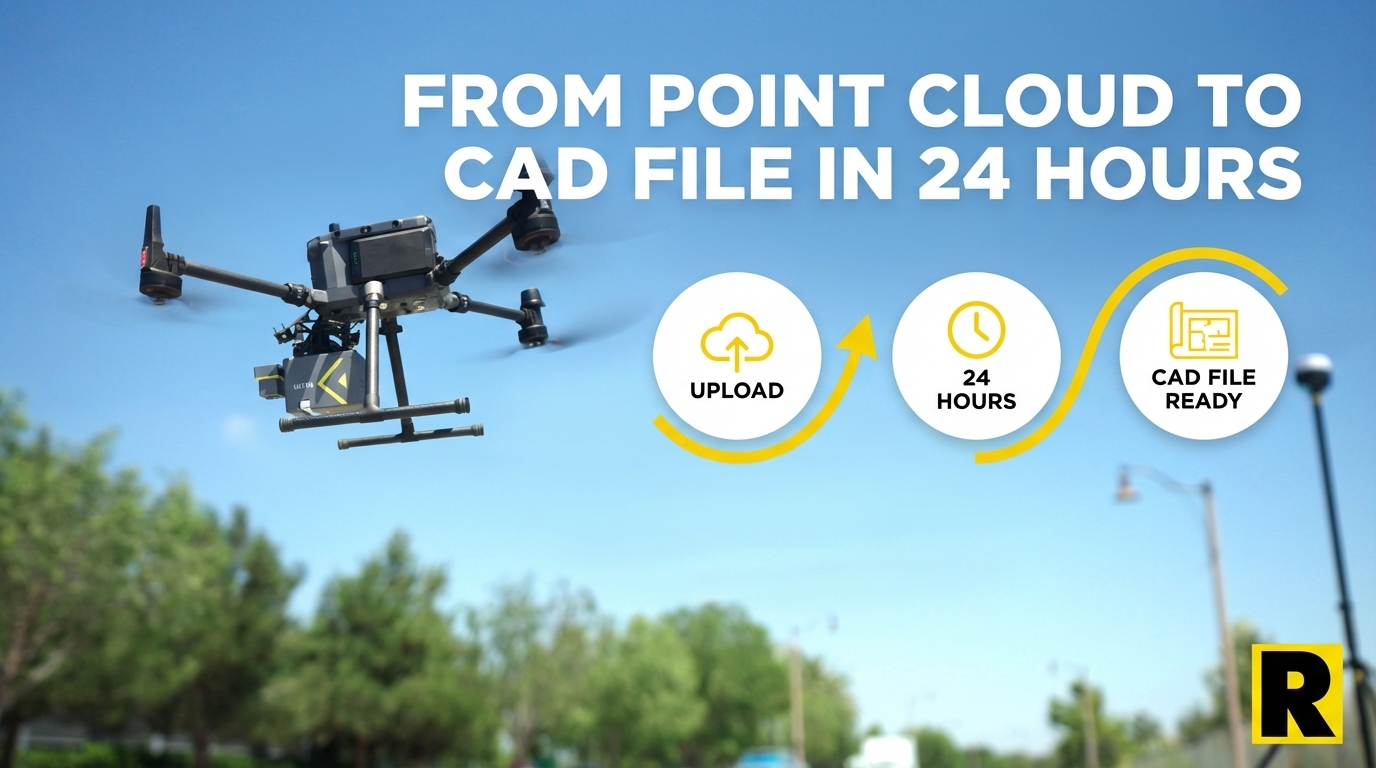
- Upload your point cloud to ROCK Cloud
- Order ROCK Surveyor (topo + contours) or ROCK Planimetrics (full feature extraction)
- Receive a QC'd, licensed-surveyor-reviewed deliverable in approximately 24 hours
Your firm's involvement in Steps 2-4 above: ~30 minutes (order placement and final review).
ROCK's pricing for the same 50-acre site:
- ROCK Surveyor (DTM + contours): $150-$500
- ROCK Planimetrics (full feature extraction): $750-$2,500
Compare that to $1,000-$5,280 in-house — for a deliverable that takes a week to produce versus 24 hours.
"The thing that I'm most pleased about is the ease of use of the LiDAR. We were able to take the hardware and deliver a product – the first time. The client is absolutely over the moon with the data we delivered." — ROCK Robotic customer
When In-House Processing Makes Sense
To be direct: in-house LiDAR processing makes sense for large firms with dedicated production capacity — firms doing enough volume that a full-time LiDAR analyst is justified, and whose project mix includes work that requires real-time in-house control (sensitive government projects, classified data, highly specialized deliverables).
For the majority of regional survey firms — doing 10-100 drone LiDAR projects per year, with a team of 2-15 people — the math favors ROCK Pro Services heavily. The labor cost of in-house processing typically exceeds the Pro Services cost within the first few projects. And that calculation doesn't include the cost of the workstation, the software license, the training time, or the risk of your best processor leaving.
Software gives you tools to do the work. Pro Services does the work for you.
See the Pro Services quality story: Denver Urban Breaklines Case Study